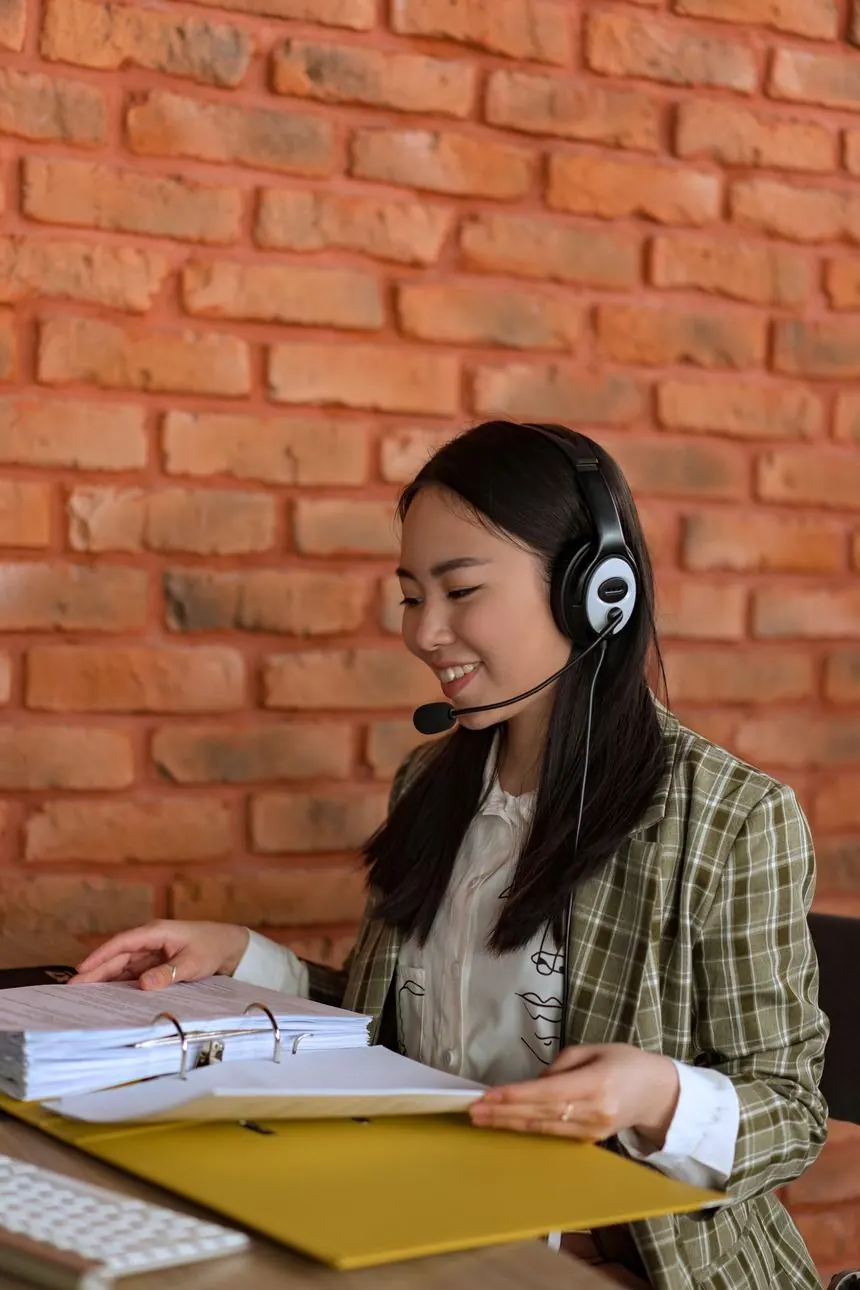
WordPress developer Singapore working on a client site late in the evening
WordPress Developer Singapore

A WordPress developer Singapore businesses call when nobody is looking after the site.

Custom builds without a bought theme. Plugin audits. Security, backups and updates that actually happen. Care plans from S$150/month. Builds from S$2,500. You keep the code.

Singapore team SGT hours, not offshore
No lock-in repo, DB and logins are yours
Daily off-site backups with tested restores
wp-care.estimate

Three questions. Google's own People-Also-Ask wants to know how many hours WordPress maintenance takes — here is the honest arithmetic.

What kind of site is it?
Roughly how many plugins?
When was it last updated?
1.5hrs / month
Suggested plan Essential care from S$150 / month

A small brochure site with few plugins is genuinely low-effort — updates, backups and a monthly check. Most of the risk here is simply nobody doing it.

Estimate only. Real quotes follow an audit of your actual install — we would rather look first than guess out loud.

01
~40%
Of the web runs WordPress
02
S$150
Where monthly care starts
03
Daily
Off-site backups, tested
04
0
Themes we buy off a marketplace
Chapter 01

Three different people search “hire WordPress developer Singapore”

Google mixes all three into one results page. Only one of them is us — so read this first and save yourself a call.

A

You want to employ someone

A full-time or contract WordPress developer on your payroll. Perfectly sensible if you have enough work to fill a role and someone senior to manage them.

Go to: Jobstreet, LinkedIn, MyCareersFuture. We are not a recruiter and will not pretend otherwise.

B

You want the cheapest possible fix

One broken page, one plugin conflict, one afternoon of work. A good freelancer on an hourly rate is the rational answer and we will say so on the phone.

Go to: a freelance marketplace — but check who holds your logins afterwards.

C

You want the site to stop being your problem

Built properly, updated every month, backed up nightly, and someone who answers when it breaks on a Saturday. A team rather than a person, so nobody's holiday is a single point of failure.

That is this page. Read on.

Being honest about A and B costs us nothing. What it buys is a call with someone who actually needs C — which is the only conversation worth having.

Chapter 02

WordPress development Singapore: built, not assembled

A theme from a marketplace is somebody else's assumptions plus forty plugins holding them together. That is where the maintenance bill comes from.

Our build rules

Every build here starts with the content model, not a template

Before a single template, we map the content types your business actually has — services, projects, locations, people, products — and the fields each one needs. Get that wrong and every future edit fights the site.

WordPress designer Singapore: the editing experience is part of the design

A layout that looks good in a mockup and takes four steps to update is a bad design, not a good one. We design the admin screens alongside the pages, so what your team sees when they log in matches how the site is actually structured. The goal is a WordPress website Singapore SMEs can run without booking developer time for a price change.

  • Custom post types and ACF fields instead of one giant page-builder blob per page
  • Hand-written templates so the markup search engines read is the markup we wrote
  • A theme we author — no licence that expires, no marketplace vendor who disappears
  • Editor training on your actual content, recorded, so the next hire can watch it

The result is a site your marketing team can run without raising a ticket, and that any competent developer can pick up if we are ever not the right fit. That is the whole point of choosing WordPress in the first place. If your project needs more than a CMS — portals, integrations, custom logic — that lives on our web development Singapore page.

WordPress development Singapore team planning a content model before buildContent model first. Templates second. Plugins last, and only when nothing else will do.

The plugin question, answered category by category

Every plugin is code someone else maintains, running with full access to your database. Click a category — this is where we say yes, where we say no, and why.

Use sparingly

Page builders

They let non-developers move things, which is genuinely valuable. They also ship heavy CSS and JavaScript on every page and lock your content into shortcode soup that is painful to migrate later. We use one where the client truly needs drag-and-drop, and hand-code the templates that matter for speed and SEO.

Verdict: allowed for editable marketing pages, never for the whole site.

Yes

Forms

One well-maintained forms plugin, configured with spam protection, server-side validation and a real delivery path (SMTP, not the server's default mail). Form submissions that silently vanish are the single most common thing we find on inherited sites.

Verdict: one plugin, tested end-to-end, with a copy of every submission stored.

Yes

SEO

One SEO plugin for titles, descriptions, schema and sitemaps. Two SEO plugins is a classic inherited-site problem: they fight over the same output and produce duplicate tags. We also keep an eye on what it emits rather than trusting the green lights.

Verdict: exactly one, audited against the rendered HTML.

Yes

Caching & performance

Page cache, asset optimisation and image conversion do more for Core Web Vitals than any theme choice. The risk is aggressive settings that break carts, forms or logged-in views — so every rule gets tested against real user journeys before launch, not just against a score.

Verdict: essential, but configured deliberately and re-checked after every major change.

Yes, but not instead of updates

Security

A firewall plugin raises the floor: login limiting, file-change alerts, brute-force blocking. What it cannot do is patch an out-of-date plugin with a published vulnerability. Most WordPress sites that get compromised were not out-hacked, they were simply out-of-date.

Verdict: worth having — and no substitute for the monthly update pass.

Yes, off-site

Backups

A backup stored on the same server as the site is not a backup. We run daily off-site copies of files and database, keep a rolling history, and periodically restore one to a staging environment — because an untested backup is a hope, not a plan.

Verdict: mandatory, off-site, and restore-tested.

Usually no

Sliders & effect plugins

Heavy, rarely clicked, and a frequent source of layout shift that costs you on Core Web Vitals. Almost everything a slider plugin does can be done with a fraction of the code. We remove more of these than we install.

Verdict: removed unless there is a real, measured reason to keep it.

No

“All-in-one” kits

Bundles that promise SEO, security, speed, backup, analytics and social in one install. They overlap with everything else, are hard to remove cleanly, and when one part breaks you cannot swap just that part. They are also how sites end up with three caching layers fighting each other.

Verdict: no. Individual tools that do one job are replaceable.

Chapter 03

WordPress maintenance Singapore: what a month actually contains

The pages ranking for this in Singapore describe maintenance in adjectives. Here it is as a schedule, with hours and a price.

CadenceTaskWhy it mattersTypical time
DailyOff-site backup of files and databaseThe difference between a bad morning and a lost businessAutomated
DailyUptime and SSL expiry monitoringYou should not learn the site is down from a customerAutomated
WeeklyCore, plugin and theme updates on staging firstMost breakages come from updating live with no rollback30–60 min
WeeklyForm submission testSilently broken enquiry forms are the most expensive bug in SME websites10 min
MonthlySecurity scan and file-integrity checkCatches injected code before Google flags the site20–40 min
MonthlyCore Web Vitals and page-weight checkSites get slower by accretion — one image, one script at a time30 min
MonthlySmall content edits includedPhone number, opening hours, a new team member — no separate invoiceIncluded
QuarterlyRestore a backup to staging and confirm it worksAn untested backup is a hope, not a plan45 min
QuarterlyPlugin audit — remove what is unused or abandonedEvery plugin you do not need is attack surface you did not need45 min
Ad hocEmergency response when something breaksSame-day on care plans, in Singapore hoursAs needed

What WordPress care costs, and why nobody publishes it

Agencies avoid printing maintenance prices because the work varies. Ours starts at S$150 per month and rises with the number of plugins, the amount of transactional risk, and how neglected the site was when we inherited it. A WooCommerce store with thirty plugins is not the same job as a five-page brochure site, and pretending otherwise is how people end up on a plan that does not cover what breaks.

  • Essential — brochure and content sites: updates, backups, monitoring, small edits
  • Business — lead-gen sites: adds staging-first updates, form monitoring, monthly performance pass
  • Commerce — WooCommerce: adds checkout testing, payment-gateway watch, priority response
  • Rescue first — a neglected site is stabilised as a one-off project before any plan starts
The maths clients rarely do
1 pluginis enough

One outdated plugin with a published vulnerability is all it takes. Cleaning a compromised WordPress site — removing injected files, resetting every credential, requesting review from Google Safe Browsing, rebuilding lost data — costs several times a year of care, and that is before the days your site sits behind a browser warning.

Care plans are boring on purpose. Boring is the product.

Ask about care plans →
Chapter 04

A year in the life of an unmaintained WordPress site

Nothing dramatic happens in month one. That is exactly why this gets deferred. Step through the year — it is the same story on almost every site we inherit.

Nothing visible

Everything looks fine

Updates are pending in the dashboard. The site loads. No one notices, because a WordPress site does not fail the day it stops being updated — it fails months later, all at once.

Still nothing visible

The dashboard notice count grows

A dozen plugin updates queued. One of them has already published a security advisory. Automated scanners find sites by plugin fingerprint, not by how important your business is — being small has never been protection.

First real symptom

The contact form stops delivering

A PHP or plugin update changed how mail is sent, and nothing announces it. Enquiries have been disappearing for weeks. This is the single most expensive silent failure we find, and it is invisible from the front end.

It gets slower

Speed drifts past the threshold

Uncompressed images, an extra tracking script, a bloated plugin. Largest Contentful Paint creeps past 2.5 seconds on mobile. Nothing broke — it just quietly stopped being competitive in a SERP where speed is an input.

Now it is urgent

Something gets in

Injected spam pages, redirects to somewhere else, or the site defaced. Google may flag it before you see it. The backup that would have saved you either does not exist, sits on the same compromised server, or has never been restore-tested.

Where we usually come in

“Can you fix our WordPress site?”

We can, and we regularly do — clean-up, credential reset, hardening, and a review request to Google. It costs several times what twelve months of care would have cost, and the traffic lost during the outage never fully comes back. Rescue is a service. It should not be the plan.

What hardening means here

Boring measures, applied every month

  • Updates on staging first, with a rollback path, not straight onto live
  • Least-privilege user roles — nobody edits a blog post as an administrator
  • Login hardening: limited attempts, two-factor for admins, no admin username
  • File-change monitoring so injected code is caught in days, not months
  • PHP and database kept in supported versions, which is also free performance
  • PDPA-aware data handling for whatever your forms collect and store
status.upscaled.com.sg
Monitoring a WordPress site under a Singapore care plan
Chapter 05

Why WordPress is “slow” (and what actually fixes it)

WordPress is not slow. Unbudgeted WordPress is slow. These are the five things that account for nearly every slow site we are handed.

01

Images nobody resized

A 4,000px photo displayed at 600px, uploaded straight from a phone. The single biggest and easiest win on most Singapore SME sites.

Fix: resize + WebP pipeline
02

Page-builder CSS and JS on every page

Builders load their full toolkit even on pages that use none of it. Render-blocking assets push Largest Contentful Paint past the threshold.

Fix: hand-coded key templates
03

Plugin sprawl

Thirty plugins is thirty sets of scripts, styles and database queries on pages that need none of them. Each one also loads on the admin side, which is why editing feels slow too.

Fix: quarterly plugin audit
04

Third-party tags

Chat widgets, three analytics tools, a heatmap, remarketing pixels. Every one is a request you do not control on a network you cannot predict.

Fix: tag audit and deferral
05

Hosting sized for a brochure

Shared hosting is fine until WooCommerce, logged-in users or a traffic spike. Then the database becomes the bottleneck and no caching plugin saves you.

Fix: right-size, add object cache
06

No budget, so no discipline

Without a target, every request adds weight and nobody says no. We set a per-template page-weight budget at build and check it monthly.

Fix: LCP ≤2.5s, INP ≤200ms, CLS ≤0.1

Speed is also a ranking input, which is why our SEO services Singapore team and the people doing your updates are the same people. A site that is fast at launch and unmaintained at month six is not fast.

Chapter 06

Moving to WordPress without losing your rankings

Migration is where most Singapore businesses quietly lose their organic traffic. Pick where you are coming from.

Wix to WordPress migration, done without a traffic dip

Wix URLs and WordPress URLs rarely match, and Wix's structure limits what you can redirect from. We export the content, rebuild the structure properly, then map every old URL to its new home before the switch — not after someone notices the drop.

  • Full URL inventory taken from your live site and Search Console before anything moves
  • Content and images migrated with alt text preserved
  • 301 map applied at launch, then verified URL by URL
  • Search Console and analytics re-verified on day one
Planning a Wix to WordPress migration for a Singapore business

Squarespace to WordPress

Usually driven by wanting real control: custom fields, proper multilingual, integrations, or simply not paying per feature. Squarespace exports partially, so images and galleries need care and blog structure needs rebuilding rather than dumping.

  • Blog posts, authors and dates preserved so archives keep working
  • Galleries rebuilt as proper media with alt text, not embedded blocks
  • Design rebuilt as a theme you own, not a template you rent
  • Redirects for the /blog/ and /shop/ paths Squarespace generates
Squarespace to WordPress migration planning session

Shopify to WooCommerce

Worth doing when platform fees, content limits or custom pricing logic are the constraint — and worth not doing if Shopify is genuinely serving you. We will tell you which, because a migration you did not need is the most expensive kind.

  • Products, variants, customers and order history migrated with a reconciliation check
  • Payment and shipping rebuilt and tested with real transactions before cutover
  • Collection URLs mapped to category URLs, no exceptions
  • A rollback plan that exists in writing before the switch
WooCommerce developer Singapore reviewing migration numbers

From an old WordPress you have outgrown

The most common brief we get: the site works, roughly, but it is built on an abandoned theme, an unsupported PHP version, and a plugin stack nobody documented. Rebuilding on the same platform is usually cheaper than it sounds because the content already exists.

  • Audit first: what runs, what is abandoned, what is licensed to whom
  • Content migrated at database level, not copy-pasted
  • URLs kept identical wherever possible — the safest migration is no migration
  • Old theme archived so there is always a way back
WordPress developer Singapore team handling a legacy site rebuild
Chapter 07

WooCommerce developer Singapore work: where stores actually break

A WooCommerce store is a WordPress site with money moving through it, which changes the maintenance question entirely. Checkout is the part nobody tests until it fails on a Saturday.

We build and maintain stores where the interesting logic is not the product grid — it is tiered pricing for trade customers, delivery windows, stock synced to another system, or a payment flow that has to reconcile with accounting. That work sits between commerce and development, and it is why our ecommerce website design Singapore and WordPress teams are the same people.

  • Checkout tested on every update, with a real transaction, not a glance at the page
  • Payment gateway monitoring — expired API keys are a silent revenue leak
  • Stock and pricing rules built as code where a plugin would be fragile
  • Order data treated as regulated data under Singapore's PDPA, with retention rules agreed up front

WordPress web design Singapore: designed against real content, not a demo

Store templates look excellent with twelve perfectly-shot products and fall apart with two hundred real ones, half of which have no photo. We design against your actual catalogue — the long product names, the missing images, the variants nobody mentioned — and then build it as a theme we author, so the store looks like your brand rather than like the demo it was bought from.

Business owner editing a WordPress website design Singapore build without developer helpThe measure of a good build: the owner can change a price without calling anyone.
Chapter 08

Taking over a site somebody else built

Roughly half our WordPress work starts this way. The first deliverable is never code — it is a written picture of what you actually own.

Step 1

Access audit

Who holds the domain, the hosting, the database, the repository, the licences and the Google properties. Surprisingly often the answer is a former employee or an agency that stopped replying. We list it, then help you get it back in your name.

Step 2

Technical audit

WordPress and PHP versions, every plugin with its update and abandonment status, theme provenance and licence, backup reality, security exposure, and the performance baseline. You get this as a document you can act on with us or with anybody else.

Step 3

Stabilise, then decide

Backups and updates first, so the risk stops growing while you think. Only then do we discuss whether the right answer is care, a partial rebuild, or a full one — in that order, because the cheapest of the three is often enough.

Ask any WordPress development company Singapore quotes you for the audit as a written document before the rebuild proposal — if it only arrives as a sales deck, the diagnosis was the pitch. We will take on a site we did not build; we will not take one on and pretend it is healthy, including when the honest answer is that the previous developer did fine work.

Chapter 09

DIY, freelancer, or a WordPress agency Singapore businesses can call?

All three keep a site running. They differ in what happens on the bad day.

ConsiderationDIY / in-houseFreelancerAgency care plan
Monthly costYour team's hoursLowest cash costFrom S$150
Updates actually doneWhen someone remembersWhen invoicedScheduled, on staging
Backups restore-testedAlmost neverRarelyQuarterly
Saturday outageNobodyIf reachableSame-day, SGT
Holiday coverDepends on the personNoneTeam, documented
Best whenYou have a technical person and the timeSmall, well-defined jobsThe site earns money and downtime costs you

We are the third column and we are not the cheapest line item. If your site is a five-page brochure that changes twice a year, a careful freelancer is a perfectly rational choice — and we would rather say that than sell you a plan you do not need.

Answers

WordPress developer Singapore: frequently asked questions

01How much does WordPress maintenance cost in Singapore?+

Our care plans start at S$150 per month for a brochure or content site and rise with plugin count, transactional risk and how neglected the site was on handover. A WooCommerce store with thirty plugins needs several times the attention of a five-page site, so a single flat number would be misleading. Every plan includes updates, daily off-site backups, monitoring and small content edits without a separate invoice. If a site needs stabilising first, that is quoted as a one-off before any plan begins.

02How long does WordPress maintenance take each month?+

For a small brochure site, roughly one to two hours: weekly updates on staging, backup checks, a form test and a monthly security and speed pass. A content-heavy or lead-generation site is typically three to five hours. A WooCommerce store realistically needs six to eight, because checkout, payment gateways and stock all have to be tested after every update rather than assumed. Neglected sites cost more in the first month and then settle.

03Is WordPress secure enough for a business website?+

Yes, when it is maintained. The overwhelming majority of compromised WordPress sites were not sophisticated targets — they were running a plugin with a published vulnerability that had a patch available. Automated scanners look for plugin fingerprints, not for important companies, so being a small Singapore SME has never been protection. Updates on a schedule, least-privilege user roles, login hardening, file-change monitoring and off-site backups handle almost all real-world risk.

04Do you build custom themes or use a purchased one?+

We author the theme. Purchased themes carry someone else's assumptions, usually require a stack of plugins to bend into shape, and tie you to a licence and a vendor who may stop updating. A theme we write is smaller, faster, and contains only what your site actually does. You own it outright, and any competent WordPress developer can maintain it after us — which is the whole point of choosing WordPress.

05Can you take over a WordPress site another developer built?+

Regularly — it is about half of what we do. We start with an access audit (who holds domain, hosting, database, repository, licences and Google properties) and a technical audit of versions, plugins, backups, security and performance. You receive that as a written document you can act on with us or with anyone else. Then we stabilise: backups and updates first, so risk stops growing while you decide whether care, a partial rebuild or a full rebuild is the right call.

06Will moving from Wix or Squarespace to WordPress hurt my Google rankings?+

It can, and that is the most common self-inflicted injury in a platform move. We take a full URL inventory from your live site and Search Console before anything changes, map every old URL to its new destination, apply the redirects at launch and then verify them one by one. Rankings can wobble for a few weeks while Google re-crawls, but a documented redirect map is the difference between a wobble and a collapse. A wix to WordPress migration handled this way should be invisible to your traffic.

07How much does a WordPress website cost to build?+

From S$2,500 for a five-page corporate site with a CMS, from S$5,000 for a ten-page lead-generation site with one integration, and from S$7,500 for commerce and application-style builds. Timelines run four to six weeks for a corporate site, six to eight for e-commerce. Price is driven by the number of screens, the number of systems to connect and how many permission levels you need — not by page count alone. Full detail sits on our web design Singapore page.

08Do I own the website and the code?+

Completely. You receive the repository, the database, hosting and DNS in your company's name, the domain registrar login, every third-party account and API key, the design source files and the documentation, plus a recorded walkthrough for your team. No proprietary platform, no licence that expires if you leave. If you stop working with us, the site keeps running exactly as it did the day before and any other developer can pick it up.

09Is WordPress outdated in 2026?+

No — it still runs roughly forty percent of the web, which matters for a practical reason rather than a fashionable one: the hiring pool. Whatever happens to us or to your current developer, somebody competent can take over your site next week. The genuine criticisms of WordPress are about how it gets used: bought themes, plugin sprawl and nobody maintaining it. Those are build and care decisions, not platform flaws. Where a project genuinely needs something else, we say so.

10Are you a recruitment agency? I need to hire a WordPress developer.+

No. If you want a WordPress developer on your payroll, Jobstreet, LinkedIn and MyCareersFuture are the right places and we are not going to waste your time. We are an agency team you engage for a project or a monthly care plan — useful when you do not want to hire, manage and cover leave for a technical role, or when you already have an in-house marketer who needs a development team behind them.

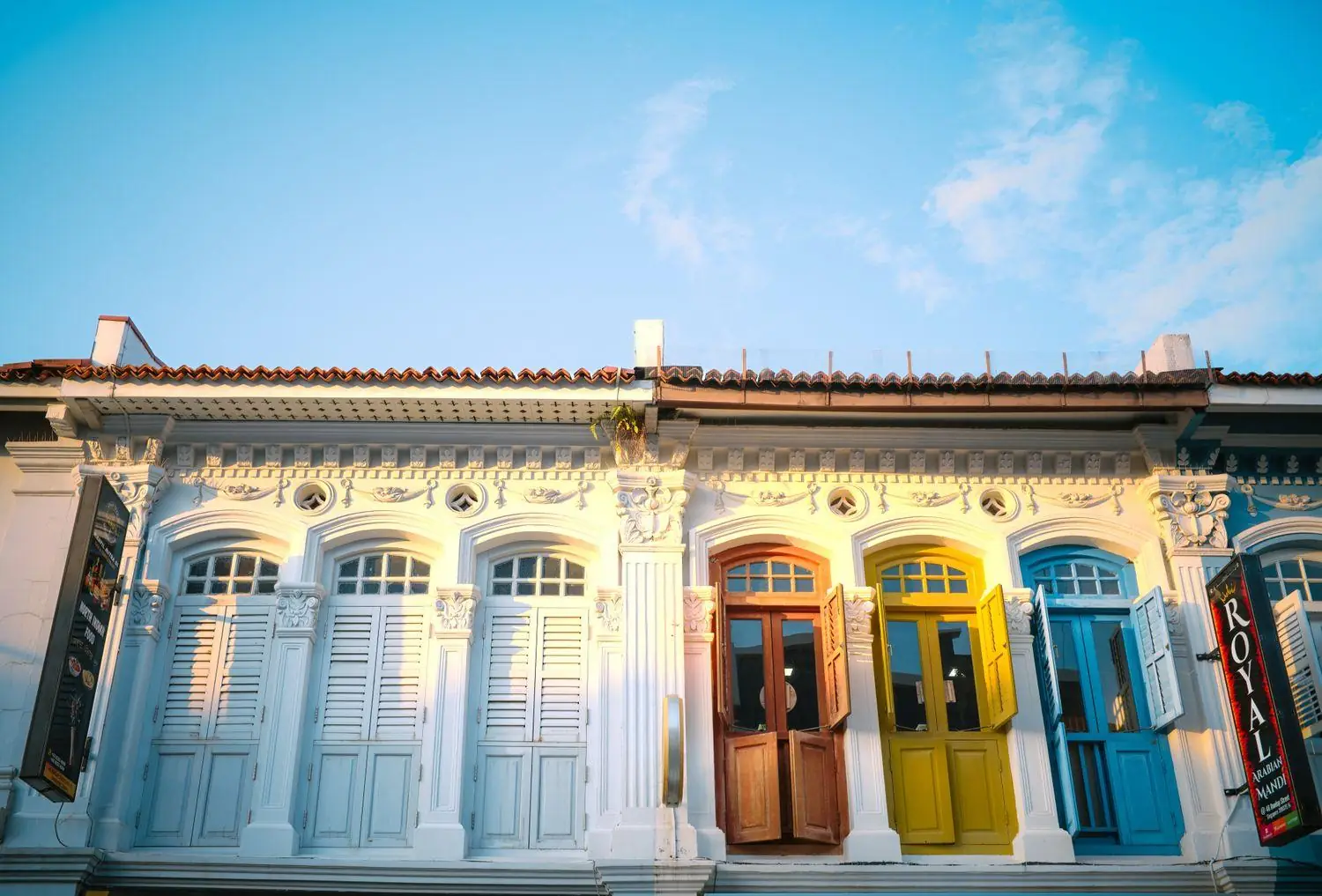
Singapore shophouses in Chinatown, near Upscaled's Singapore WordPress team
Start here

Send us the URL. We will tell you what is actually wrong.

A short audit of your live WordPress site — versions, plugins, backups, security exposure, speed baseline — before anyone talks about a plan or a rebuild. If the honest answer is that your site is fine, that is what you will hear.

UPSCALED PTE. LTD. · UEN 202219997D · 80 Playfair Road, #03-02A, Kapo Factory Building, Singapore 367998 · Mon–Fri 9am–6pm SGT

CallWhatsApp

WhatsApp us